Technické Dokumenty
Špecifikácie
Brand
Raspberry PiVelikost paměti
32GB
Typ produktu
Software Raspberry
Rychlostní třída
Class 10
Řada
NOOBs
Normy/schválení
RoHS
Krajina pôvodu
Netherlands
Podrobnosti o výrobku
The latest version of NOOBS has been upgraded to enhance performance and user experience, using the Debian Jessie version of the Raspbian operating system.
Available from RS:
121-3897 - 16 GB microSD Card and SD Card Adapter
136-0148 - 32 GB microSD Card and SD Card Adapter
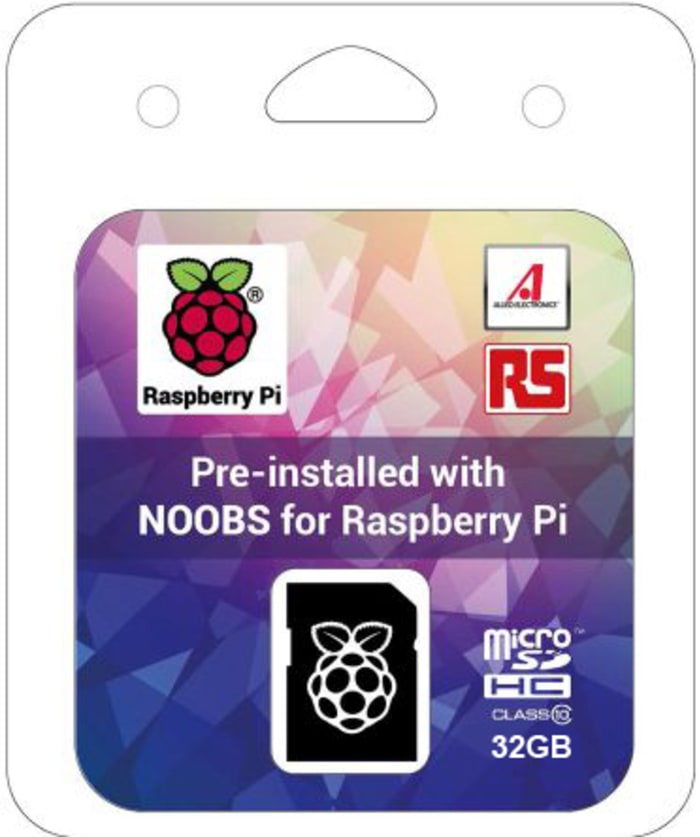
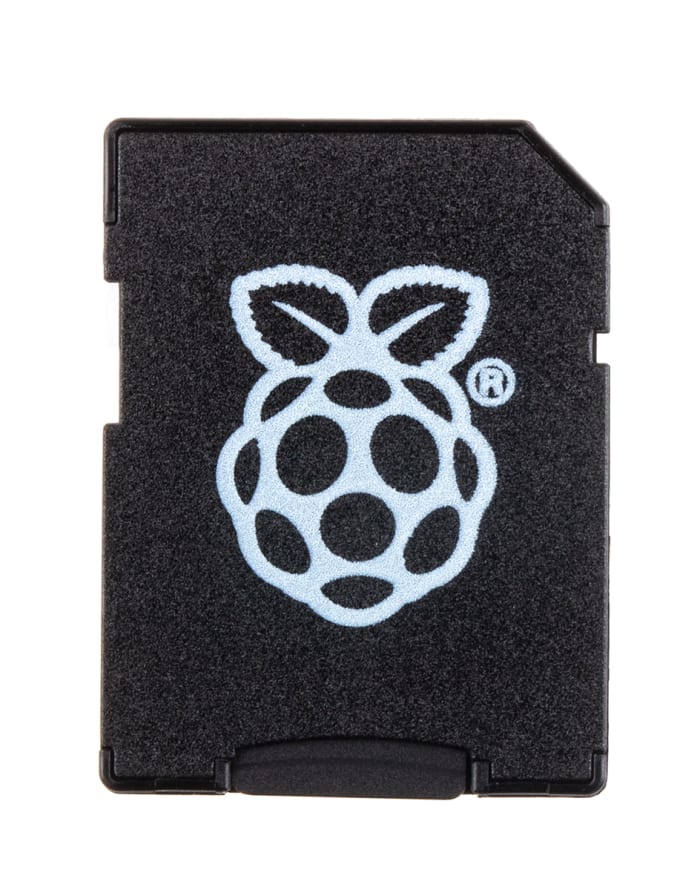
As the Raspberry Pi was created to educate children about computing and programming, it was important to make it easy to set up. New Out Of Box Software (NOOBS) helps you set up your Pi and is available pre-installed on a microSD flash memory card, which also doubles up as an SD card adaptor. To get started, connect your Pi to a keyboard, mouse, power supply and screen and place the NOOBS card into the microSD card slot. Your next step is to install the operating system that you would like to use on your Pi.
• Raspbian (recommended)
• Pidora
• OpenElec
• RaspBMC
• RISC OS
• Arch Linux
Informácie o zásobách sú dočasne nedostupné.
€ 13,83
€ 13,83 Each (bez DPH)
1
€ 13,83
€ 13,83 Each (bez DPH)
Informácie o zásobách sú dočasne nedostupné.
1
| Množstvo | Jednotková cena |
|---|---|
| 1 - 4 | € 13,83 |
| 5 - 9 | € 13,48 |
| 10+ | € 13,27 |
Technické Dokumenty
Špecifikácie
Brand
Raspberry PiVelikost paměti
32GB
Typ produktu
Software Raspberry
Rychlostní třída
Class 10
Řada
NOOBs
Normy/schválení
RoHS
Krajina pôvodu
Netherlands
Podrobnosti o výrobku
The latest version of NOOBS has been upgraded to enhance performance and user experience, using the Debian Jessie version of the Raspbian operating system.
Available from RS:
121-3897 - 16 GB microSD Card and SD Card Adapter
136-0148 - 32 GB microSD Card and SD Card Adapter
As the Raspberry Pi was created to educate children about computing and programming, it was important to make it easy to set up. New Out Of Box Software (NOOBS) helps you set up your Pi and is available pre-installed on a microSD flash memory card, which also doubles up as an SD card adaptor. To get started, connect your Pi to a keyboard, mouse, power supply and screen and place the NOOBS card into the microSD card slot. Your next step is to install the operating system that you would like to use on your Pi.
• Raspbian (recommended)
• Pidora
• OpenElec
• RaspBMC
• RISC OS
• Arch Linux