Technické Dokumenty
Špecifikácie
Brand
StarTech.comTyp produktu
Mounting Bracket
Barva
Black
Typ montáže
Wall
Konfigurace VESA
75 x 75 mm, 100 x 100 mm
Höhe
95mm
Breite
80mm
Länge
118mm
Krajina pôvodu
China
Podrobnosti o výrobku
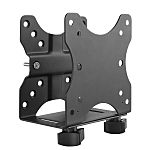
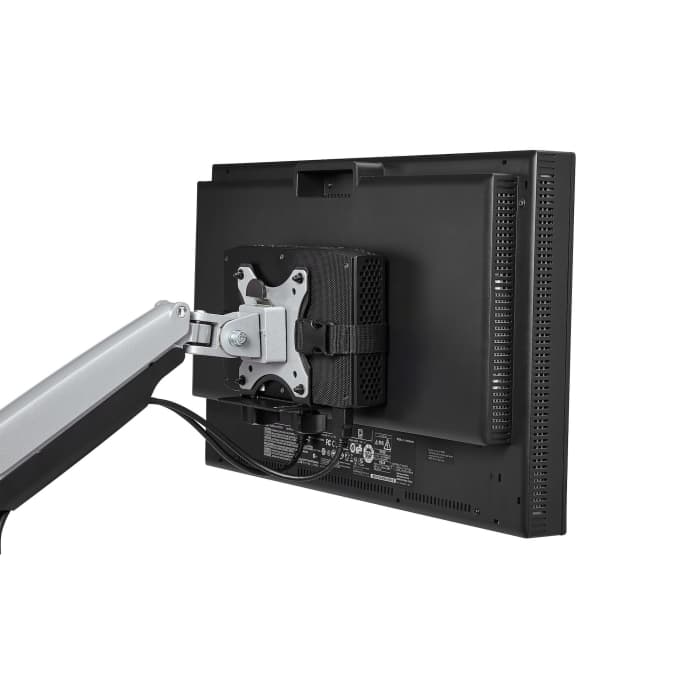
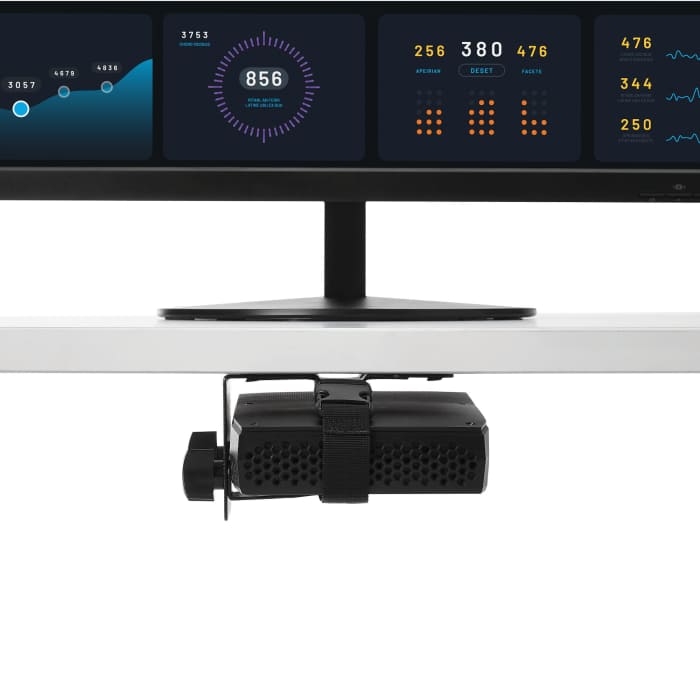
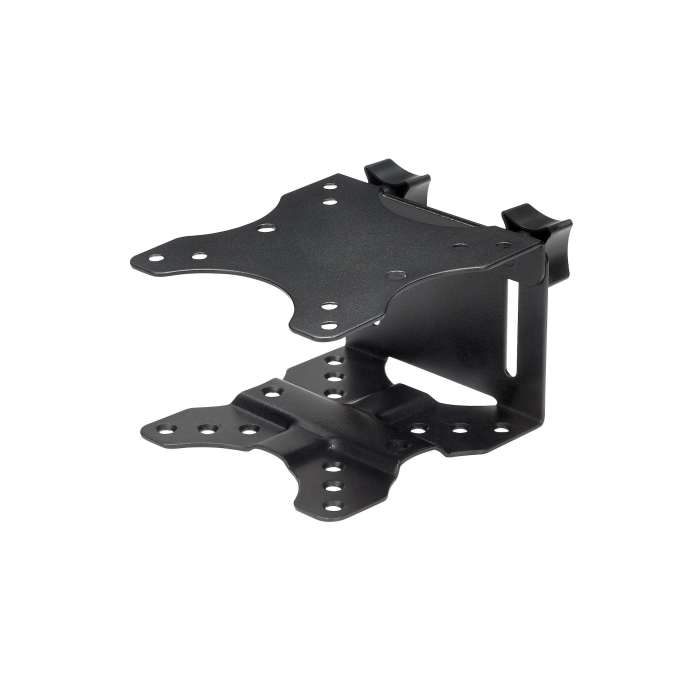
This mounting bracket is a low-profile wall mount designed to secure thin clients, small CPUs and docking stations to reduce desk clutter. It provides dual-sided VESA compatibility for attachment behind displays, under desktops or clamped to monitor poles, and permits open access to ports while keeping devices accessible yet out of the way.
It can be wall mounted, attached to a monitor back, clamped to a monitor-mount pole or fitted under a desktop.
The package contains a pole mount, adjustable strap, six pads, M5 x 25mm and M4 x 12mm screws, M4 nuts, washers and an instruction manual.
An adjustable strap Plus rubber pads accommodate non-parallel surfaces and hold devices firmly.
The bracket is MADE from steel and plastic components to combine rigidity with lighter sections.
Steel & Plastic
Informácie o zásobách sú dočasne nedostupné.
€ 56,52
€ 56,52 Each (bez DPH)
1
€ 56,52
€ 56,52 Each (bez DPH)
Informácie o zásobách sú dočasne nedostupné.
1
Technické Dokumenty
Špecifikácie
Brand
StarTech.comTyp produktu
Mounting Bracket
Barva
Black
Typ montáže
Wall
Konfigurace VESA
75 x 75 mm, 100 x 100 mm
Höhe
95mm
Breite
80mm
Länge
118mm
Krajina pôvodu
China
Podrobnosti o výrobku
This mounting bracket is a low-profile wall mount designed to secure thin clients, small CPUs and docking stations to reduce desk clutter. It provides dual-sided VESA compatibility for attachment behind displays, under desktops or clamped to monitor poles, and permits open access to ports while keeping devices accessible yet out of the way.
It can be wall mounted, attached to a monitor back, clamped to a monitor-mount pole or fitted under a desktop.
The package contains a pole mount, adjustable strap, six pads, M5 x 25mm and M4 x 12mm screws, M4 nuts, washers and an instruction manual.
An adjustable strap Plus rubber pads accommodate non-parallel surfaces and hold devices firmly.
The bracket is MADE from steel and plastic components to combine rigidity with lighter sections.
Steel & Plastic